How to Build Immersion-Focused Tech Demos
A full-viewport video that fills the entire screen, loops forever, and feels like a live window into your story world. No frame, no chrome, just the scene. This is the technique behind the Elite Hovercraft flyover and the Night Jog loop.
✍️ Note from the Creator
A trailer plays at you. An immersion demo puts you inside the frame. The difference is small in code and huge in feeling: instead of a video sitting in a box on the page, the video is the page, edge to edge, looping seamlessly, with only a whisper of UI floating on top.
That's the whole idea. Take a minute of AI-generated footage from the world of An Enduring Spark, blow it up to fill the viewport, and let the visitor just be there for a moment. The Elite Hovercraft demo lets you switch between three patrol routes. The Night Jog demo runs a single night-time scene with its own soundtrack. Same skeleton underneath; two different flourishes on top.
The visual half is what people feel. The technical half (encoding, overlays, a little JavaScript) is what makes it load fast and behave on every browser. I'll show you the visual result first, then everything behind it.
Prerequisites
- An AI video generation tool (Google Veo 3, Kling, Luma, or Runway), or any footage you own
- ffmpeg for encoding and the audio swap
- Basic HTML / CSS / JavaScript
- A web server or static host (each demo is ~40-80MB of video)
- Optional: a royalty-free music track if you want a soundtrack (Night Jog uses a no-copyright Phonk track)
What You'll Build
Two finished demos. Open them full-screen, then come back for the build. (Both are best on desktop with the sound on.)
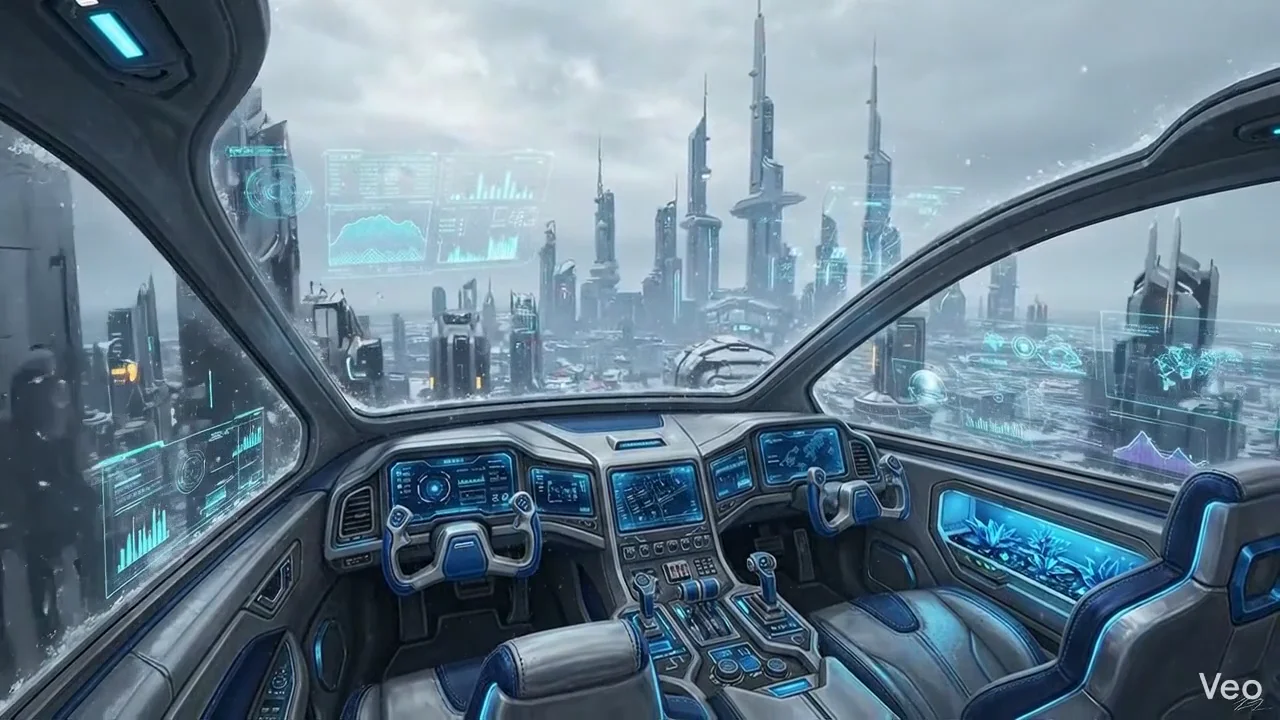
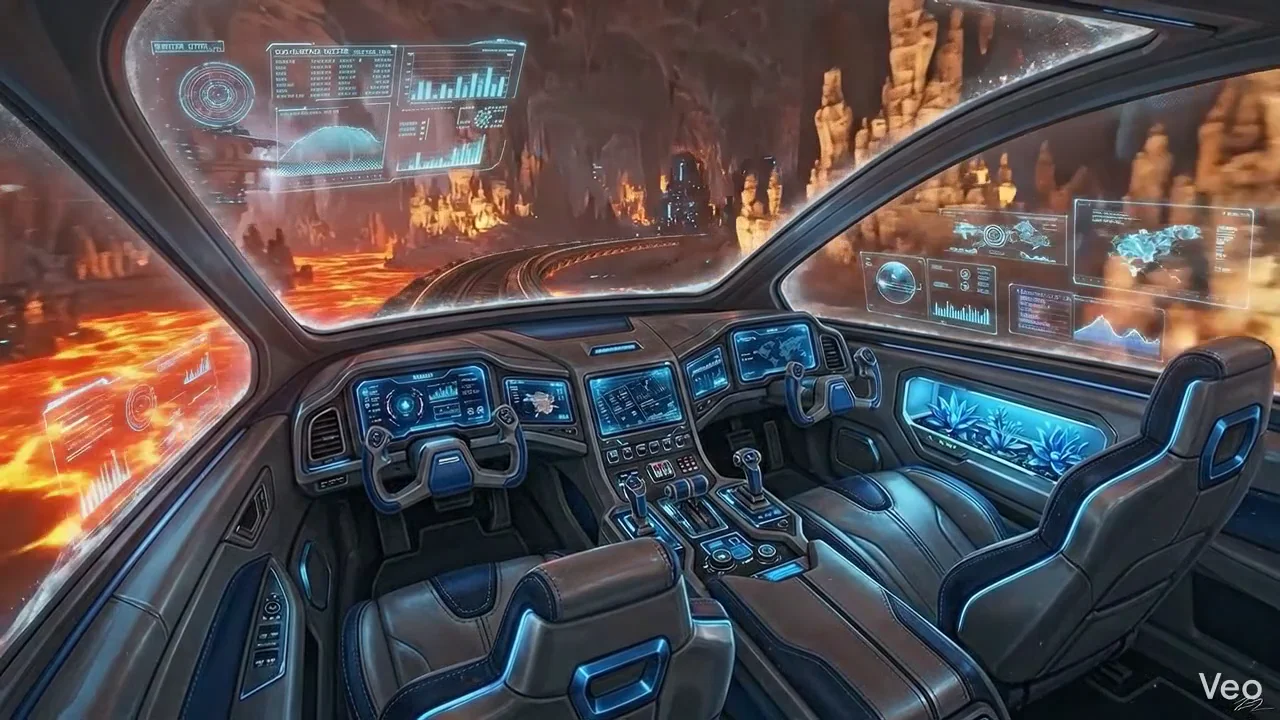
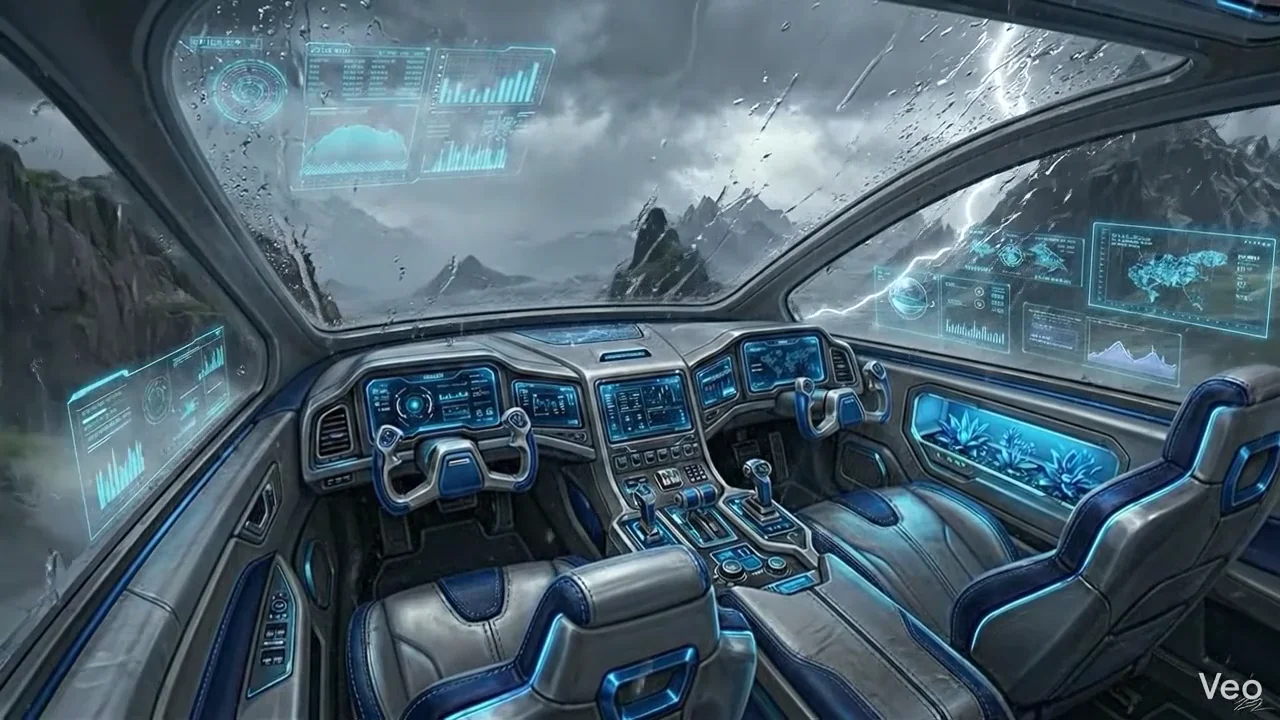
Elite Hovercraft's power is the route switcher, one page, several scenes, swapped instantly. Here are its three routes:
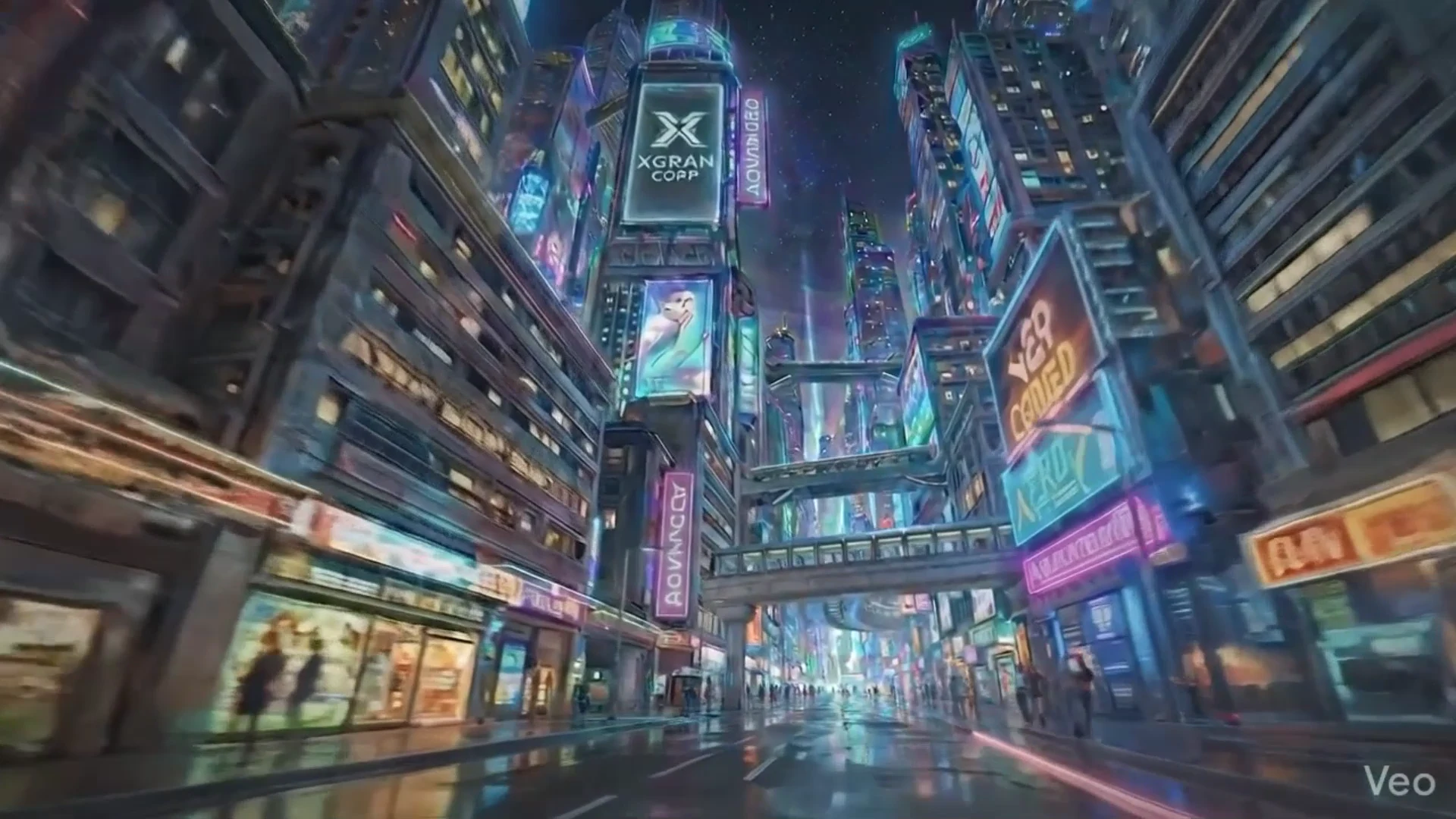
Night Jog's power is sound, a soundtrack swapped onto the footage and set to play by default. Both are built from the same five-part skeleton below.
1 The Core Idea
An immersion demo is one element doing almost all the work: a <video> that covers the whole viewport with object-fit: cover, set to autoplay loop muted playsinline. Everything else, an info strip, a back button, a route picker, a sound toggle, is a thin overlay floating on top with a high z-index.
muted matters: every browser blocks autoplay with sound. To get the video playing the instant the page loads, it must start muted. We'll re-introduce sound in Step 6 the only way browsers allow, on a user gesture.Pick your flavour up front: a single scene (Night Jog) or multiple routes (Elite Hovercraft). The scaffold is identical; routes and sound are bolt-ons.
2 Generate the Footage
Generate a short clip (roughly 8-60 seconds) per scene. Unlike a scroll-driven background, the camera is allowed to move here, you want it to feel alive, so a slow dolly, a drift, or a handheld jog all work well.
For multi-route demos, generate one clip per route with a consistent look (same time of day, same setting, same lens) so switching feels like the same world. For Night Jog, a single clip is all you need.
3 Encode for the Web
Ship two video formats and a poster image. VP9 / WebM is listed first (smaller, modern browsers pick it); H.264 / MP4 is the universal fallback (Safari, iOS). A WebP + JPG poster shows instantly while the video buffers.
# 1080p, web-friendly bitrate cap, faststart so it streams while loading
ffmpeg -i source.mp4 \
  -c:v libx264 -preset medium -crf 23 -maxrate 6M -bufsize 12M \
  -pix_fmt yuv420p -movflags +faststart -an \
  night-jog.mp4
# Row-based multithreading keeps VP9 from taking all day
ffmpeg -i source.mp4 \
  -c:v libvpx-vp9 -crf 32 -b:v 0 -row-mt 1 -deadline good -cpu-used 3 \
  -pix_fmt yuv420p -an \
  night-jog.webm
# Grab a representative frame (~2s in) as WebP + JPG
ffmpeg -ss 2 -i source.mp4 -frames:v 1 -c:v libwebp -quality 88 night-jog-poster.webp
ffmpeg -ss 2 -i source.mp4 -frames:v 1 -q:v 2 night-jog-poster.jpg
ffprobe -v error -show_entries format=duration -of csv=p=0 night-jog.webm and confirm it reports the full length.The -an flag drops audio here on purpose, we handle the soundtrack separately in Step 6. For a silent demo, you're done after this step.
4 The Page Scaffold
One fixed full-screen video, a soft gradient at the bottom for legibility, and a floating info strip. This is the entire visible structure.
<div class="stage-fixed">
<video class="scene-video" id="scene-video"
autoplay loop muted playsinline preload="auto"
poster="web/video/night-jog-poster.webp">
<source src="web/video/night-jog.webm" type="video/webm">
<source src="web/video/night-jog.mp4" type="video/mp4">
</video>
</div>
<div class="strip">
<span class="tag">ARTHUR & DOUG</span>
<span class="title">Night Jog</span>
<span class="sub">Night Jog with Arthur and Doug.</span>
</div>
<a href="/main.html" class="home">← Roar of Winchester</a>
html, body { width:100%; height:100%; margin:0; overflow:hidden; }
.stage-fixed { position:fixed; inset:0; z-index:0; background:#000; }
.scene-video { width:100%; height:100%; object-fit:cover; display:block; }
/* gradient so overlay text stays readable */
.stage-fixed::after {
  content:''; position:absolute; inset:0; pointer-events:none;
  background:linear-gradient(180deg, transparent 65%, rgba(8,9,12,.55) 100%);
}
.strip { position:fixed; top:22px; left:22px; z-index:20;
  background:rgba(8,9,12,.72); backdrop-filter:blur(12px);
  border:1px solid rgba(212,165,116,.22); border-radius:10px; padding:12px 18px; }
Add a "Hide all" toggle that flips a body.hidden class to fade the overlays away for a clean screenshot, and you've matched the base both demos share.
5 Multiple Routes (Elite Hovercraft)
To switch scenes on one page, keep a small SCENES_VIDEO map and swap the <source> elements on click. Each route is its own encoded pair from Step 3.
var SCENES_VIDEO = {
  skyline:     { webm:'web/video/elite-hovercraft.webm',             mp4:'web/video/elite-hovercraft.mp4',             sub:'On patrol over the city' },
  underground: { webm:'web/video/elite-hovercraft-underground.webm', mp4:'web/video/elite-hovercraft-underground.mp4', sub:'Beneath the city' },
  storm:       { webm:'web/video/elite-hovercraft-storm.webm',       mp4:'web/video/elite-hovercraft-storm.mp4',       sub:'Cutting through the storm' }
};
var v = document.getElementById('scene-video');
function setScene(id){
  var s = SCENES_VIDEO[id]; if(!s) return;
  v.pause();
  v.innerHTML = '<source src="'+s.webm+'" type="video/webm">'
              + '<source src="'+s.mp4 +'" type="video/mp4">';
  v.load(); v.play().catch(function(){});
  document.getElementById('strip-sub').textContent = s.sub;
  document.querySelectorAll('.vc-btn').forEach(function(b){
    b.classList.toggle('active', b.getAttribute('data-scene') === id);
  });
}
document.querySelectorAll('.vc-btn').forEach(function(b){
  b.addEventListener('click', function(){ setScene(b.getAttribute('data-scene')); });
});
The matching markup is one button per route: <button class="vc-btn" data-scene="storm">Storm</button>. Hide the whole picker with CSS when only one scene exists, so the same template works for single-scene demos too.
6 Swap In Music & Default Sound On (Night Jog)
Two parts: replace the footage's audio with your track, then make it actually play despite autoplay rules.
a. Mux the music onto the video with ffmpeg
Take the video stream from your clip and the audio stream from your music file, trim to the video's length, and add a short fade-in and fade-out so each loop is smooth.
ffmpeg -i source.mp4 -i music.mp3 \
  -map 0:v:0 -map 1:a:0 -shortest \
  -c:v libx264 -preset medium -crf 23 -maxrate 6M -bufsize 12M \
  -pix_fmt yuv420p -movflags +faststart \
  -af "afade=t=in:st=0:d=0.6,afade=t=out:st=50.9:d=1.5" \
  -c:a aac -b:a 160k -ar 48000 \
  night-jog.mp4
-map 0:v:0 takes video from the first input, -map 1:a:0 takes audio from the second (your music), and -shortest stops at the video's end. Repeat for the WebM, using -c:a libopus -b:a 128k in place of AAC.
b. Default the sound on (the gesture trick)
Browsers won't play sound until the visitor interacts with the page. So we start muted (video plays immediately), show the toggle as "Sound On", and unmute on the first click, key, or tap, which is effectively instant.
var video = document.getElementById('scene-video');
var soundOn = true;                       // default ON

function applyAudio(){
  video.muted = !soundOn;
  if (soundOn) video.volume = 1.0;
  var p = video.play();
  if (p && p.catch) p.catch(function(){   // unmuted autoplay blocked?
    if (soundOn) { video.muted = true; video.play().catch(function(){}); }
  });
}
applyAudio();

// Unmute on the first real user gesture, then stop listening.
var GESTURES = ['pointerdown','keydown','touchstart'];
function unmuteOnFirstGesture(){
  if (soundOn) { video.muted = false; video.volume = 1.0; video.play().catch(function(){}); }
  GESTURES.forEach(function(ev){ window.removeEventListener(ev, unmuteOnFirstGesture, true); });
}
GESTURES.forEach(function(ev){ window.addEventListener(ev, unmuteOnFirstGesture, true); });

// The on-screen toggle lets visitors mute/unmute manually.
document.getElementById('btn-audio').addEventListener('click', function(){
  soundOn = !soundOn; applyAudio();
});
pointerdown, keydown, or touchstart. mousemove and scroll do not satisfy the browser's user-activation requirement, so unmuting from those will silently fail.7 Deploy
Drop the demo into its own folder so the relative web/video/ paths resolve, then ship it.
/demos/night-jog/
  index.html
  web/video/
    night-jog.webm
    night-jog.mp4
    night-jog-poster.webp
    night-jog-poster.jpg
Upload the folder, and if you're behind a CDN, purge the cache for the new paths. Add a cache-busting query (?v=1) on the video sources when you re-encode so visitors never get a stale clip.
⊞ How It All Fits Together
A full-viewport <video> with object-fit: cover is the stage. autoplay loop muted playsinline gets it running on every browser the moment the page loads. Thin overlays, info strip, back button, route picker, sound toggle, float on top via position: fixed and z-index.
Elite Hovercraft adds a SCENES_VIDEO map and swaps the <source> tags to change routes. Night Jog adds a music track muxed in with ffmpeg, plus a few lines of JavaScript that respect the browser's autoplay rules while still defaulting the sound on. Same skeleton, two personalities.
? Troubleshooting
Video won't autoplay / shows only the poster
The video almost certainly isn't muted. Autoplay with sound is blocked everywhere; keep muted on the element and unmute on a gesture (Step 6).
WebM cuts off early
Its container is missing a duration header. Re-encode and verify with ffprobe ... -show_entries format=duration; it must report the full length.
Black bars or stretching
Use object-fit: cover (fills and crops) rather than contain (letterboxes). Cover is what makes it feel like a window.
Sound never turns on
You're probably listening for mousemove or scroll. Those don't count as user activation, switch to pointerdown / keydown / touchstart.
Route switch flashes white
Set a poster on the video and keep the previous frame visible until the new source's first frame is ready, swap sources, call load() then play().
Built for The Roar of Winchester. See them live: Elite Hovercraft | Night Jog.