Dariah Browser Companion
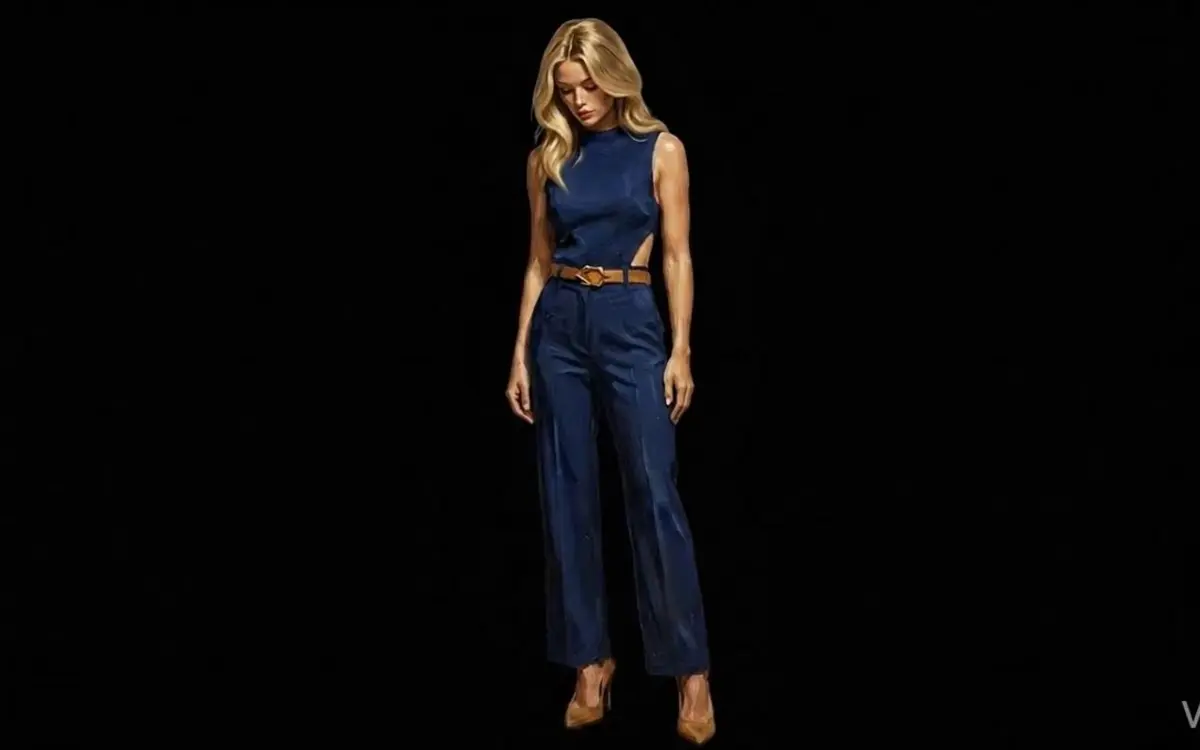
Take An Enduring Spark's Dariah Spence with you across the entire web. Her holographic feed runs in the corner of every browser tab, she cycles through Winchester observations, and when you click her she opens a chat panel where you can ask anything — facts, code, recipes, philosophy. She'll answer in her voice, but the help is real.

Chrome, Edge, Brave, Arc. ZIP install, ~1 MB. Install steps below.
Floating video companion that follows you across apps via Safari Picture-in-Picture. Video only — Apple does not currently allow LLM chat to run inside iOS’s floating window, so the full conversation lives in the Desktop Companion. More clips coming.
PART 01What you’ll download
A single ZIP file, roughly 1 MB. Inside it: a Chrome / Edge / Brave / Arc browser extension with twelve looping clips of Dariah, her dialogue bank, the chat panel UI, and a tiny JavaScript shell that connects her to a free AI engine you control.
Twelve Looping Clips
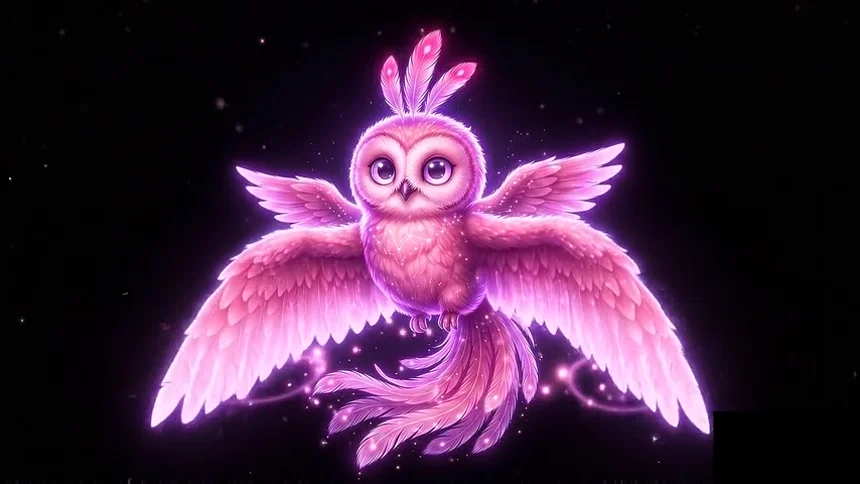
Idle, listening, talking, stretching, sipping coffee, projecting her holo-pet. Cycles randomly so she never feels repetitive.
Dariah's Voice
A rotating bank of in-character lines about Winchester, the AR-Net, and corporate Eloria. Drops them every 30 seconds or so.
Ask Her Anything
Click her, type a question. Real general-purpose AI answers, in Dariah's tone. Code, facts, recipes, philosophy — she answers them all.
Per-Site Controls
Choose a corner, set a per-site blocklist (banking, work email), toggle her off entirely. You stay in charge.
🔒 Completely private · self-contained on your device
The Dariah Companion is engineered around one principle: nothing about your usage ever touches our servers.
- Your AI key stays on your machine. When you set up, you'll grab a free API key from Groq (sign in with Google, no credit card, ~30 seconds). That key is stored only in your browser's local storage. We never see it.
- Your conversations are between you and Groq. When you ask Dariah something, your message goes from your browser directly to Groq's servers, gets an answer, and comes back. The Roar of Winchester is not in that loop.
- The extension cannot read pages you visit. Dariah lives in an isolated overlay. She doesn't scrape your browsing, doesn't track which sites you visit, doesn't have access to form fields, passwords, or anything else on the page.
- Nothing is sent to The Roar of Winchester. Ever. No analytics, no install pings, no usage reports. You install, you forget about us, Dariah just works.
PART 02How it works — the four steps
-
Download & unzip. Click the Download Companion button above (Desktop) to get the ZIP file (~1 MB). Open your downloads folder and unzip it. You'll end up with a folder called
dariah-companion-v1containing the extension files. -
Open your browser's extensions page. In Chrome, type
chrome://extensionsinto the address bar and press Enter. (Same idea in Edge:edge://extensions. In Brave:brave://extensions. In Arc:arc://extensions.) -
Turn on Developer mode using the toggle in the top-right of that page. Three new buttons appear at the top-left. Click Load unpacked, navigate to the
dariah-companion-v1folder you just unzipped, and select it. Dariah shows up as a new extension card. -
Get your free Groq API key & paste it in. Visit console.groq.com/keys, sign in with Google or GitHub (free, no card), click Create API Key, copy the key (starts with
gsk_). Pin the Dariah icon to your toolbar (click the 🧩 puzzle icon, then the pin), click it to open settings, paste the key in, click Save. Reload any tab. Dariah appears.
PART 03About the AI engine
Dariah uses Groq, an independent AI inference company. Their free tier is generous — roughly 1,000 messages per day, free forever, no credit card. More than enough for normal conversation. If you ever want a bigger limit, Groq has paid tiers; you'd talk to them, not us.
The model behind Dariah is Meta's open-source Llama 4 Scout, served on Groq's hardware. It's fast (typical reply in under a second), capable, and trained on a wide enough corpus to answer most questions well. Dariah's personality is layered on top via a system prompt that gives her tone — the underlying intelligence is genuine.
PART 04FAQ
Is this really free? What's the catch?
Yes, really free. There's no catch on our end — we don't make any money from this. Groq's free tier covers the AI side. The extension itself is built once and lives on your machine; we have no recurring cost per user.
If this catches on, Nick plans to release versions for other An Enduring Spark characters (Arthur, Dmitra) at a small one-time price. The Dariah edition stays free.
Why isn't it on the Chrome Web Store yet?
It will be. Web Store review takes about a week. Sideload installation lets early readers get it now while the listing goes through approval. Once approved, you'll be able to install with a single click and updates will arrive automatically.
Can Dariah be turned off or hidden on certain sites?
Yes. Click the Dariah icon in your toolbar to open her settings. You can toggle her off entirely, change which corner she appears in, or add domains to a blocklist (one per line). She'll respect every rule on every site.
There's also a small X on her video frame — clicking it dismisses her on the current page only.
What if my Groq key runs out of free quota?
You'd hit a soft cap around 1,000 messages per day per key. If that ever happens, you can create a second free Groq key, swap it in, and keep going. Or wait until tomorrow — the quota resets daily.
For typical use you'll never get close. Most users will use maybe 20-50 messages a day at most.
How is this different from the Dariah on the homepage?
The homepage Dariah is a marketing companion — she cycles through preset lines while you browse the site. The downloadable Companion is the full version: she travels with you to every site you visit, and you can actually have a conversation with her.
What browsers are supported?
The downloadable Desktop Companion runs on Chrome, Edge, Brave, Arc, Vivaldi, and any Chromium-based browser. Firefox is planned. macOS Safari is not yet supported — the extension format is different and requires a separate build.
For iPhone, the Mobile Companion (Beta) uses Safari's Picture-in-Picture to float Dariah over every app on your phone. It's video only — Apple does not currently allow LLM chat to run inside iOS's floating window, so the full conversation experience stays on the Desktop Companion.
Can I uninstall it cleanly?
Yes. Go to chrome://extensions, find the Dariah card, click Remove. The extension and your saved Groq key are deleted from your browser entirely. No files left behind, no account to cancel.
✨ See also: Holo Projector Companion
The projector Dariah stands on now has its own browser extension — same idea as this one, but pure visual atmosphere instead of chat. 60 hand-keyed holograms cycling on every page you visit. Install Holo Projector →